Auto-sync from orders
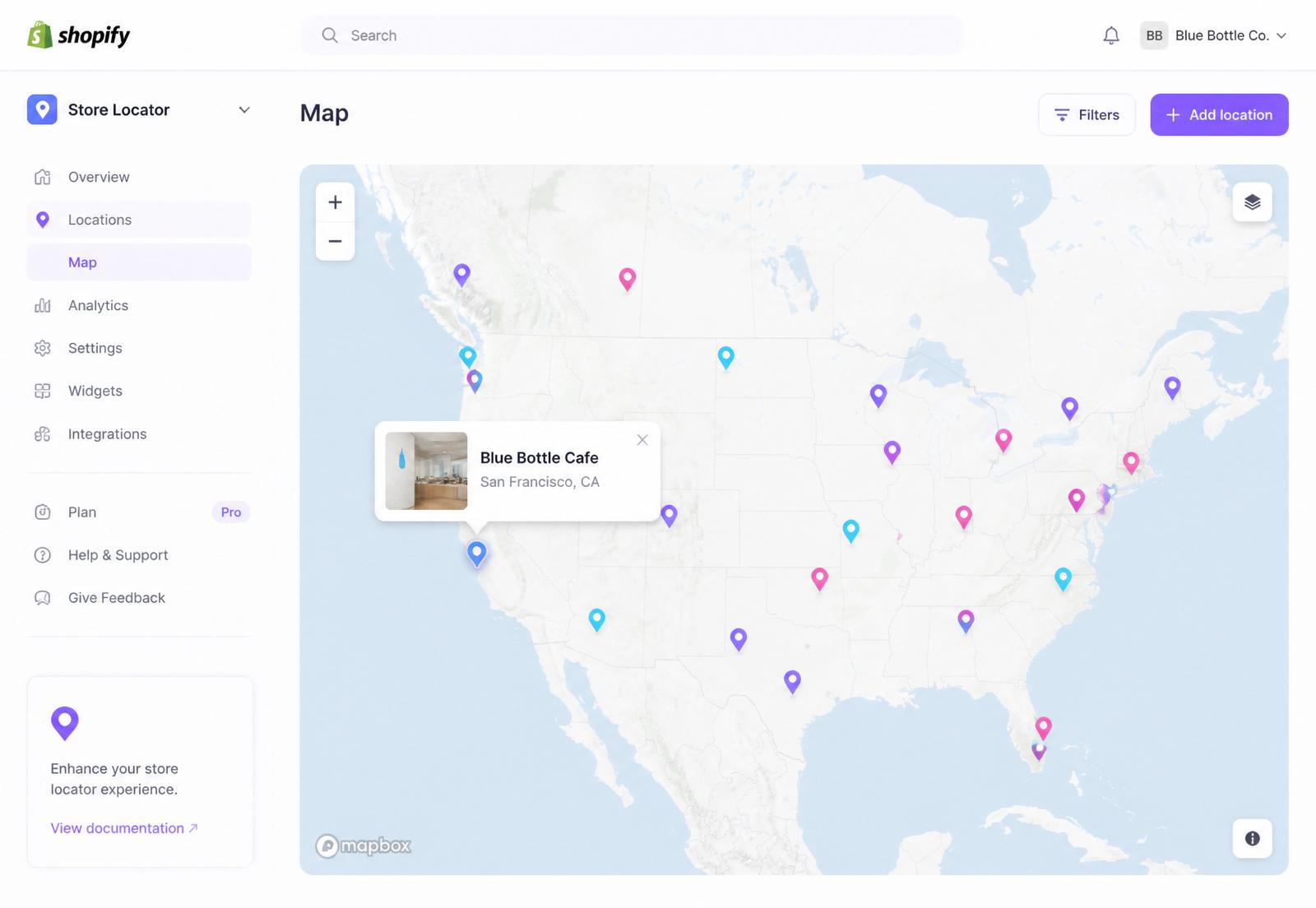
New wholesale order comes in? SyncaMap detects the shipping address and adds it to your map instantly. No data entry, no delay.
Stop manually adding map pins every time a new wholesale customer orders. SyncaMap watches your Shopify orders and drops a pin on your storefront map the moment they ship.
Free plan available · Free trial on paid tiers · Works with any Shopify theme
Trusted by the team at Rare Brew
Works with your wholesale channels
SyncaMap doesn't plug into Faire, Airgoods, or B2B directly. It reads the Shopify orders those channels create, and turns the ones matching your tags and sync rules into pins your retail customers can actually find.
How it works
Add SyncaMap to your Shopify store in a click. It reads from your orders securely, with no theme edits needed to get started.
Tell SyncaMap which orders count as stockists. Filter by customer tag, order tag, sales channel, discount code, customer email domain, or order note.
New qualifying orders instantly become pins on your storefront map. Optional customer confirmation for extra polish.
Features
Every capability is built for real wholesale operations, not a demo. Rare Brew runs their entire Find Us page on it.
New wholesale order comes in? SyncaMap detects the shipping address and adds it to your map instantly. No data entry, no delay.
Filter by customer tags, order tags, sales channels, discount codes, email domains, or order notes. You decide exactly who lands on the map.
A native Shopify block on MapLibre with custom pins, five basemap presets, and clustering. Embed it anywhere in your theme and match your brand.
Optionally let wholesale customers review and confirm their own listing before it goes live. Trust from day one.
Migrate legacy stockist lists in seconds. Export anytime for marketing, wholesale outreach, or reporting.
See who’s searching, which regions get the most attention, and every sync event as it happens. Email alerts included.
Our story
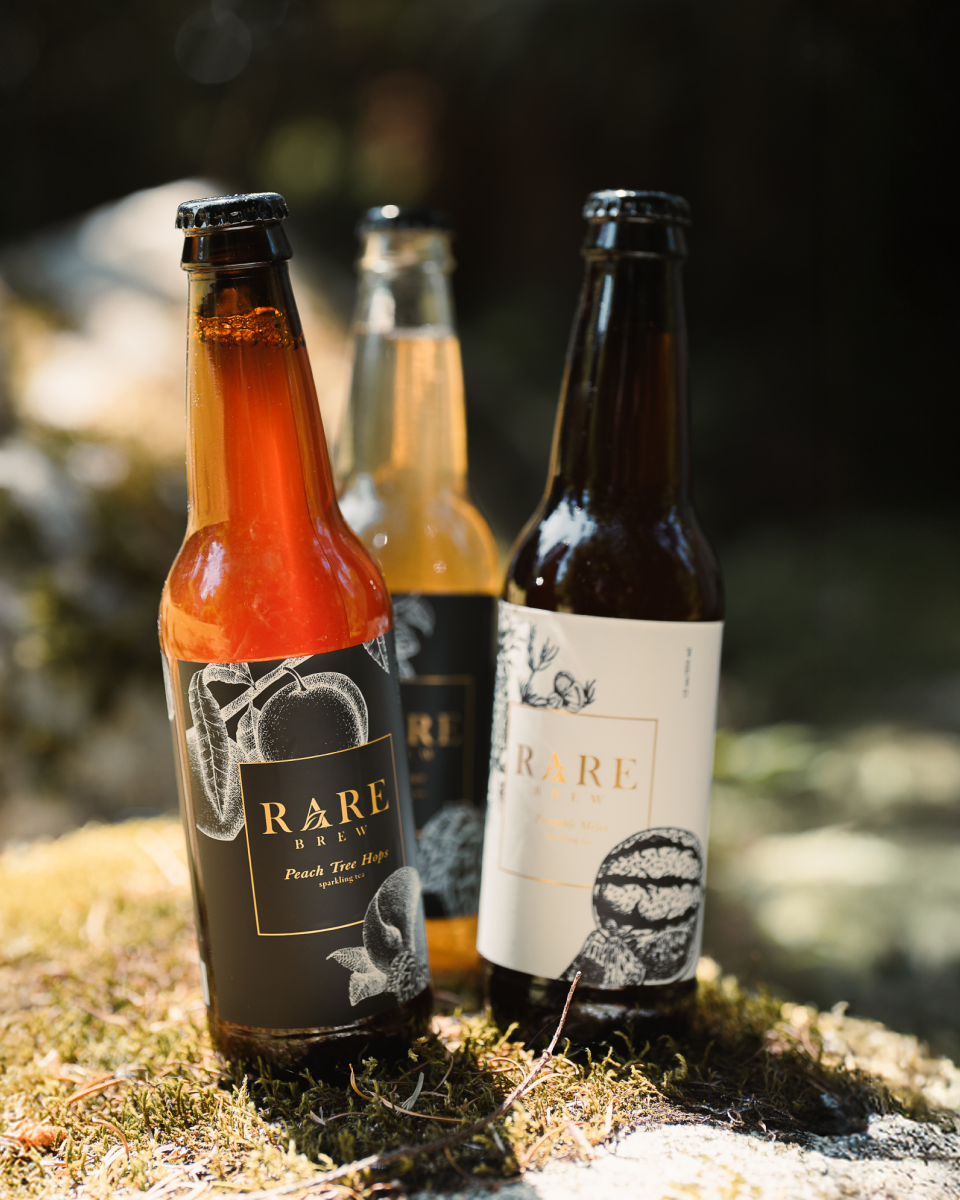
At Rare Brew, our wholesale channels grew faster than we could keep our Find Us map current. Cafes and shops we loved would call months later asking why they weren’t listed yet.
So we built SyncaMap for ourselves. Now every new wholesale order becomes a pin the moment it ships, and our stockists tell us how refreshing it is to be added the same week, not the same year.
“Other vendors take months. Rare Brew had us on their map right as it was delivered.”
Clean Eatz, wholesale stockist of Rare Brew
Frequently asked
You set sync rules: filter by customer tag, order tag, sales channel, discount code, customer email domain, or order note. Only matching orders create pins, and you can review, edit, or hide any location manually.
Most stores go live in under 15 minutes. Install from the Shopify App Store, connect your orders, choose one sync rule, and drop the SyncaMap block onto your Find Us page.
No. SyncaMap ships as a native Shopify app and theme block. If you can drag a section in the Shopify theme editor, you can install it.
Under a minute in typical conditions. Orders that match your sync rules are geocoded and added to the map as soon as they hit the qualifying state you chose (paid, fulfilled, or tagged).
You can exclude addresses by tag, ZIP, or manually. SyncaMap flags anything that looks residential so you can approve or hide it before it goes public.
Yes. Every pin is fully editable. You can rename it, change the address, add a website or photo, or hide it from the public map without deleting the underlying order.
Pricing
Free
$0/mo
10 locations
Starter
$19/mo
100 locations
Growth
$49/mo
300 locations
Wholesale Pro
$99/mo
Unlimited
All paid plans include a 7 day free trial. Billed through Shopify.
Add SyncaMap to your Shopify store today. Free plan available. No credit card required to get your first pins on the map.