Only the right orders, only the right pins.
Filter by customer tag, order tag, sales channel, discount code, customer email domain, or order note. SyncaMap only creates pins for orders that match your rules, so retail and wholesale stay separate.
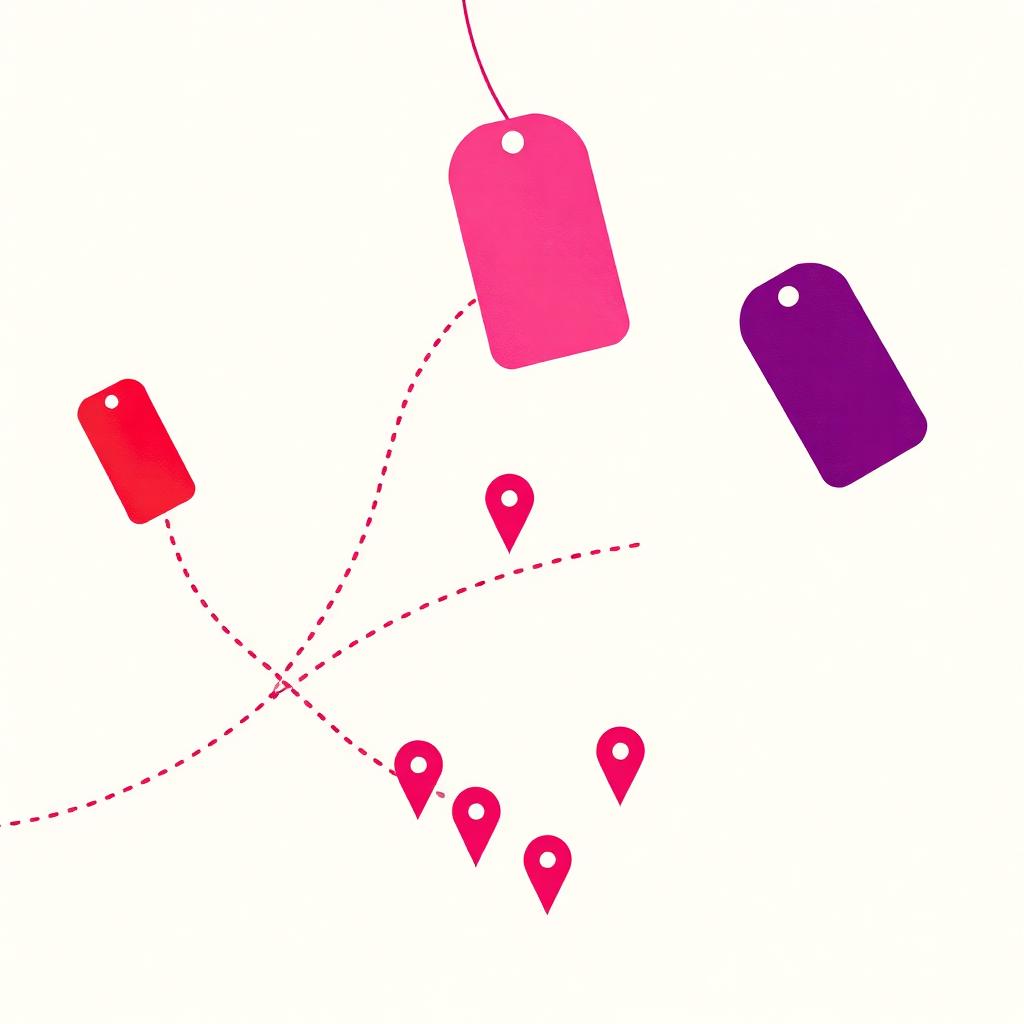
What you get
- Combine tag, channel, discount, email domain, and order note filters.
- Backfill matching historic orders (7 to 365 days depending on plan).
- Exclude test orders, refunds, and staff purchases automatically.
- Change rules any time; SyncaMap re-evaluates in place.
Common questions
How does SyncaMap decide which orders become pins?
You set sync rules: filter by customer tag, order tag, sales channel, discount code, customer email domain, or order note. Only matching orders create pins, and you can review, edit, or hide any location manually.
What if I already have a spreadsheet of stockists?
Import a CSV in seconds. SyncaMap merges imports with sync results, so your legacy list and new auto-pins live side by side.
Does SyncaMap work with Airgoods, Bulletin, Abound, or Shopify Collective?
Yes, any wholesale channel that lands orders in your Shopify admin can drive pins. Use order tags or sales-channel filters to isolate that stream, then let SyncaMap take it from there.
Try it in
your store.
SyncaMap installs in under 15 minutes. Free plan available, paid tiers unlock higher location counts and notifications.