June 24, 2026 · 9 min read · faire · shopify · guide
Does Faire integrate with Shopify? How to map your Faire retailers
Turn qualifying Faire orders in Shopify into a retailer map. A practical guide to sync rules, accurate addresses, customer confirmation, and publishing your locator.
Brian
Co-founder, SyncaMap · Updated September 12, 2026
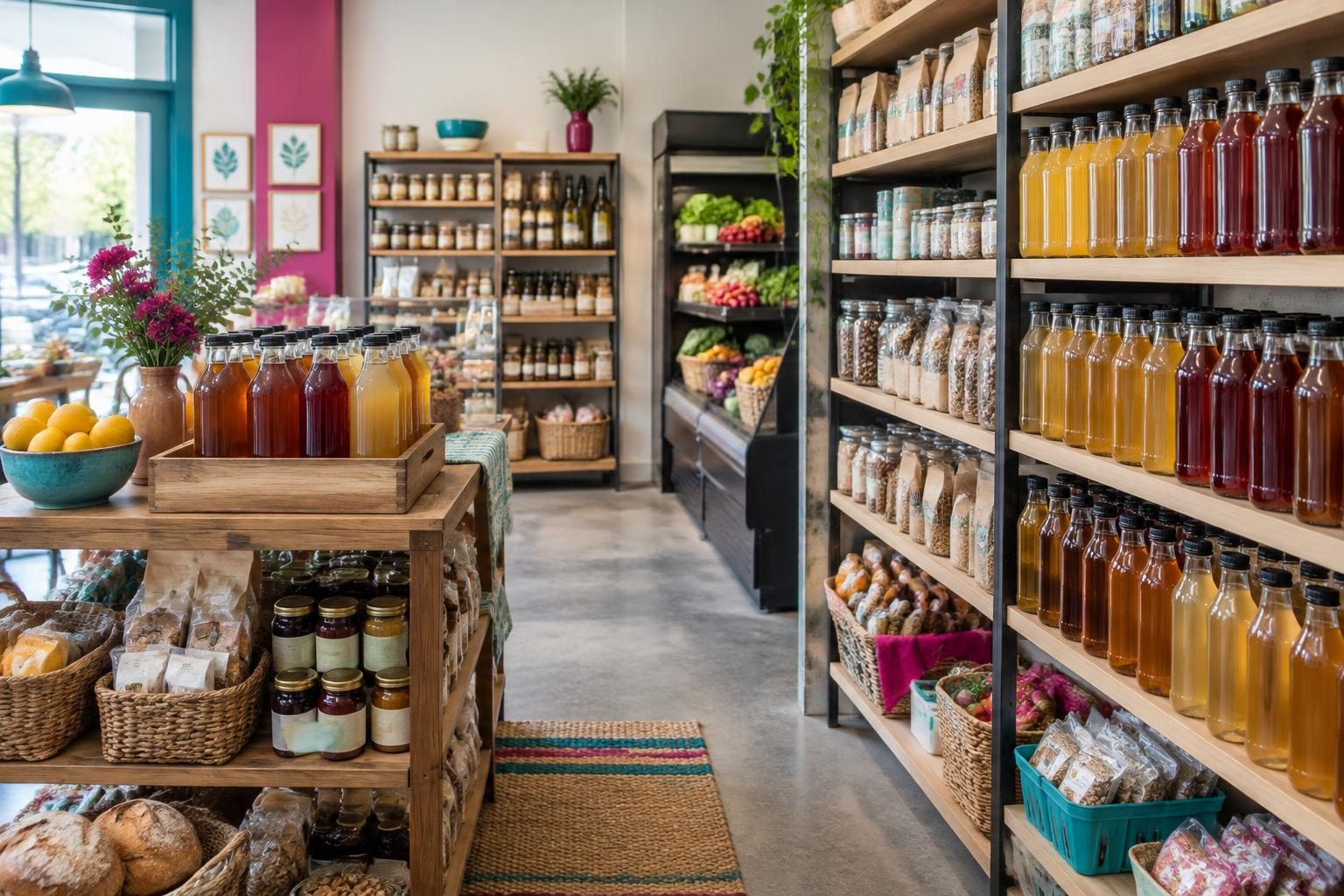
Does Faire integrate with Shopify?
Yes. Faire publishes its own Shopify app, "Faire: Sell Wholesale on Shopify", which syncs products, inventory, and wholesale orders between the two platforms. That integration moves orders into Shopify. It does not put retailers on a map. Mapping is a separate step, and that is what the rest of this guide covers.
| Job | Handled by |
|---|---|
| Faire orders appearing in Shopify | Faire’s Shopify app |
| Deciding which orders are retailers | SyncaMap sync rules |
| Turning addresses into map pins | SyncaMap geocoding |
| Showing the map to shoppers | SyncaMap Store Locator theme block |
The short answer
You can show Faire retailers on your Shopify map by syncing Faire orders into Shopify, then using SyncaMap rules to turn qualifying orders into locations. Set up product display rules, check retailer addresses and consent, and add the Store Locator app block to your theme. SyncaMap reads Shopify order data; it does not connect directly to the Faire API.
The important distinction: an order tells you where goods were shipped, not necessarily where a shopper can buy them. A useful retailer map combines automation with address checks and a clear publishing process. It is a guide to stockists, not a live inventory feed.
Before you start
- A Shopify store and SyncaMap installed. You do not need a separate mapping account or your own geocoding API key.
- Faire orders arriving in Shopify. Configure order sync through your Faire-to-Shopify workflow and confirm that a real order appears in Shopify admin.
- A reliable identifier. Inspect that order’s sales channel and tags. Use the actual value in your store, not a guessed universal “faire” tag.
- A plan for public listings. Decide who checks the storefront address and whether you also require merchant approval.
1. Check a real Faire order in Shopify
Open a recent Faire order in Shopify. Check its customer, shipping address, products, order tags, and sales channel. If the order is missing, resolve the Faire-to-Shopify order sync first. SyncaMap cannot create a location from an order it cannot see in Shopify.
Choose an identifier that distinguishes wholesale retailers from ordinary consumer orders. An Order tag can work when your workflow consistently tags Faire orders; Sales channel can work when Shopify records a distinct channel. A customer tag is another option if you deliberately maintain wholesale customer tags. Do not enable all orders just to make pins appear.
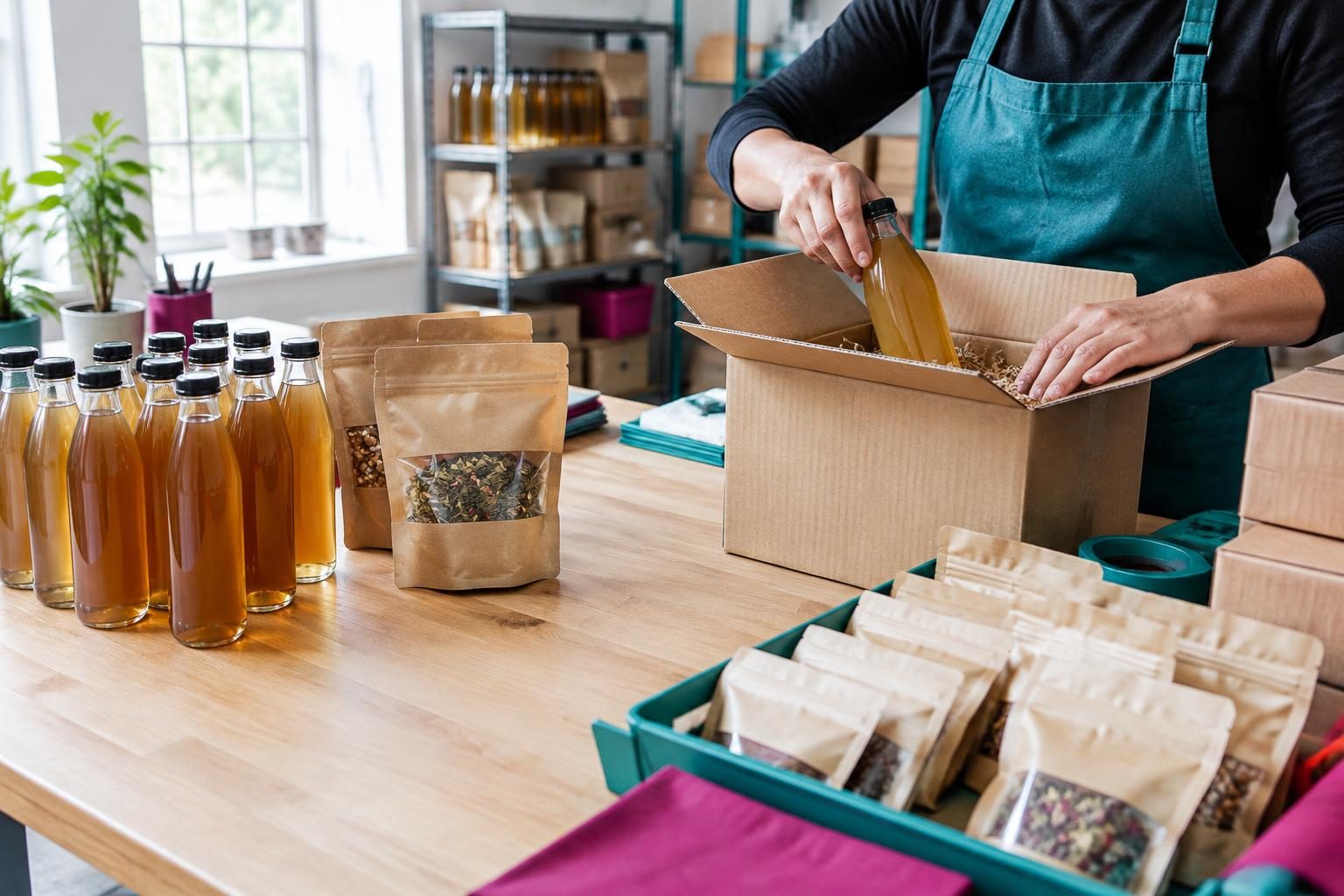
2. Set up Product Rules before auto-sync
In SyncaMap, open Sync → Product Rules. Map wholesale product titles or variants to the clean names and product links you want shoppers to see. A wholesale case name may be useful in your warehouse but confusing on a public retailer listing. Hide samples, fees, or other items that do not belong on the map.
Do this first because locations store their display products at the moment they sync. You can build rules by searching your Shopify product catalog before any locations exist. If you change rules afterward, use Re-resolve all on the Product Rules page to refresh existing listings.
3. Create a rule that matches retailer orders
Go to Sync → Sync rules, add a rule, choose its type, and enter the identifier you verified in Shopify. Enable that rule and the global auto-sync switch. Customer tag, Order tag, and Sales channel rules are available on every plan; the number of rules you can create depends on your plan.
| Rule type | Use it when |
|---|---|
| Order tag | A consistent tag identifies the qualifying wholesale orders. |
| Sales channel | Shopify records a distinct channel for those orders. |
| Customer tag | You maintain a reliable wholesale tag on customer records. |
When an order matches, SyncaMap extracts its shipping address and products, applies Product Rules, and geocodes the address. Repeat orders at an existing address update its last order date; duplicate addresses are detected and merged. That prevents one pin per repeat order, but does not replace checking the actual storefront address.
4. Check addresses, consent, and approval
A shipping address may be a warehouse, home, or receiving office. Before directing shoppers there, confirm it is the retailer’s public storefront. The customer confirmation page lets the retailer edit its business name, address, phone, website, and hours, and choose which ordered products appear.
Customer confirmation is controlled per rule by “Bypass customer confirmation before publishing.” The bypass is off by default, so confirmation is required. Only bypass it when you have consent to list those customers publicly. Email branding and the customer-facing page are configured separately under Settings → Customer confirmation.
Merchant approval is a separate check. With both checks enabled, the retailer confirms first and the listing then enters your approval queue. With confirmation alone, it publishes after the retailer approves, subject to your plan’s published-location limit. A pending listing is not a broken map: check which review step it is waiting for.
5. Backfill previous wholesale orders
To add earlier retailers, choose Run backfill on the Sync rules page and select a period within your plan’s window. This is an explicit action, not something to assume happened when you saved a rule. Review created and skipped results in Sync History.
| Plan | Historical order window |
|---|---|
| Free | 7 days |
| Starter | 30 days |
| Growth | 90 days |
| Wholesale Pro | 365 days |
Backfill confirmation emails are off by default. With emails off, matching locations go to your approval queue. Review the recipient preview and per-run email toggle before starting. For older stockists outside the window, consider a CSV import or manual entry, then verify the addresses and visibility before publishing.
6. Add the retailer map to your Shopify storefront
Open Settings → Map in SyncaMap to choose a map style, marker appearance, clustering, and display options such as search, location list, and products. Keep the shopper’s task simple: find a nearby retailer, check its details, and decide where to visit.
- In Shopify admin, open Online Store → Themes and click Customize on the active theme.
- Navigate to the page where you want your locator, such as Where to Buy.
- Choose Add section or Add block, open the Apps tab, and select Store Locator.
- Adjust Map Height if needed, save the theme, and preview the page with published locations.
Check the page on a phone as well as a larger screen. Test search and a real published location. Add the page to your storefront navigation so shoppers can reach it. SyncaMap also keeps the setup steps under Settings → Map → Embed Instructions.

If a retailer is missing or in the wrong place
- No location created: check that the Shopify order exists, the tag or channel matches, and both the rule and global auto-sync are enabled. Look in Sync History for the skipped reason.
- Location exists but is not public: check customer confirmation, your approval queue, and the published-location limit.
- Wrong pin: compare the order’s shipping address with the actual storefront. Ask the retailer to correct its listing or review the location details yourself.
- Older retailer missing: check the backfill date range and whether expiration has hidden the location.
- Products look wrong: review Product Rules and use Re-resolve all after correcting their display names or links.
Auto-synced locations can expire when no matching order arrives within the expiration window. Free uses a fixed 90-day window; paid plans let you select a window or disable expiration. A repeat matching order revives an expired location. Review this setting against your retailers’ actual reorder cycle instead of treating inactivity as proof that a store has stopped carrying your products.
Questions about mapping Faire retailers
Does SyncaMap connect directly to Faire?
No. This workflow uses Faire orders that have reached Shopify. SyncaMap matches Shopify order or customer data, not a direct Faire API connection. Channel and tag values should be checked in your own store.
Can I include historical orders and repeat buyers?
Yes. Run backfill within your plan’s history window. Repeat matching orders at the same address update the existing location’s last order date rather than creating another pin for each order.
Do I need a mapping account or API key?
No. SyncaMap handles mapping and geocoding. Add the Store Locator app block through the Shopify theme editor to display your published locations.
Does the map show current in-store stock?
No. Products on a listing come from order data and your display rules, not the retailer’s live shelf inventory. Encourage shoppers to contact the store when availability matters.
See a real wholesale map
Rare Brew built SyncaMap to automate its own wholesale customer map. Explore its real Find Us page to see the shopper-facing result, then read the customer story for the background. The photos in this guide are generated illustrations, not photos of Rare Brew’s actual stockists.
Sources
About the author
Brian, Co-founder, SyncaMap
Handles the Shopify plumbing behind SyncaMap. Writes about sync rules, order tags, and how wholesale data actually moves between apps.