August 28, 2026 · 6 min read · store locator · wholesale · guide
Should you use a wholesale shipping address on your store locator?
A wholesale shipping address is often a warehouse, office, or home. How to tell if it is a real storefront and fix it before it reaches your map.
Brian
Co-founder, SyncaMap
The short answer
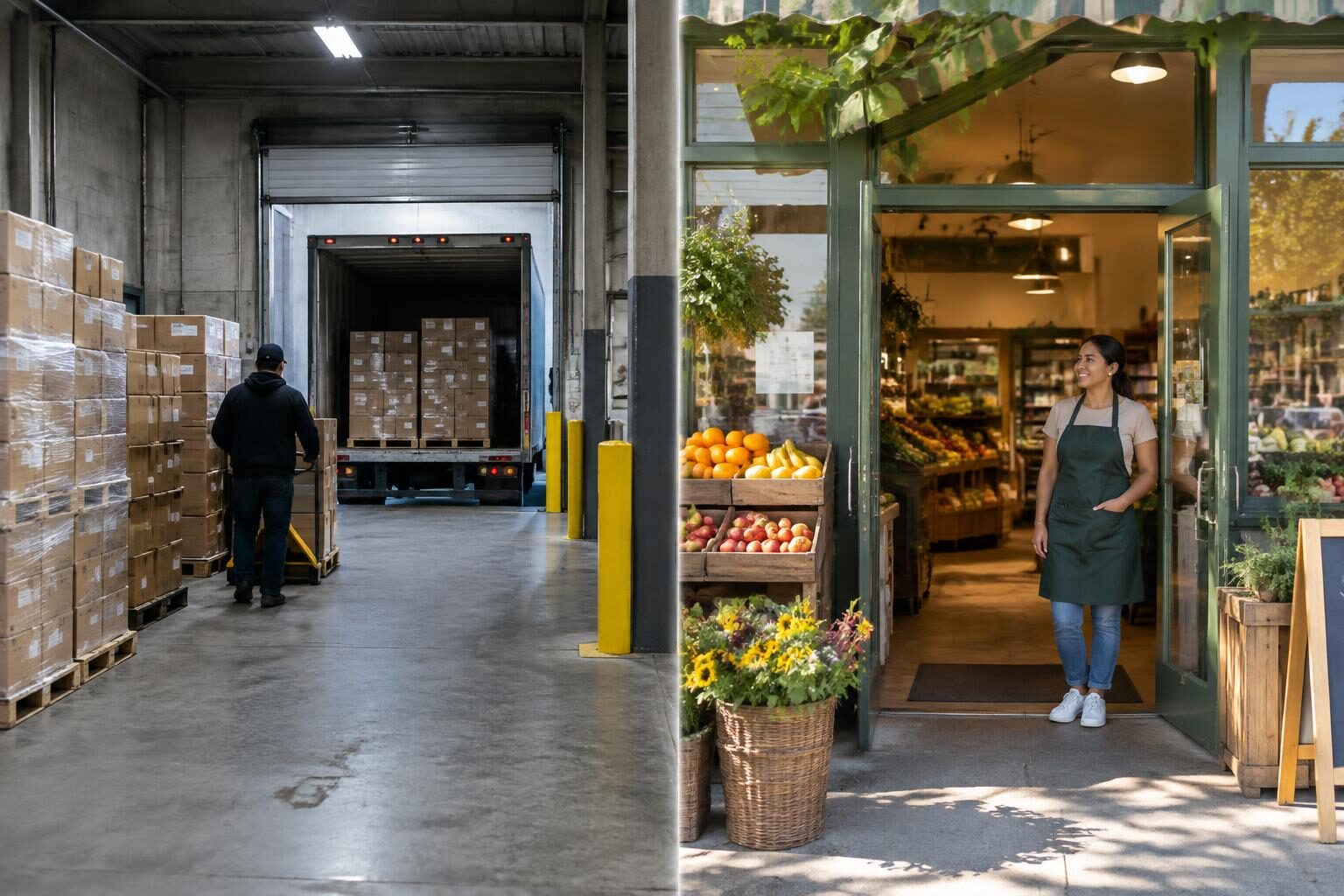
Only if it is the place a shopper can walk in and buy your product. A wholesale shipping address tells you where boxes were delivered. For many retailers that is the store, but for chains, co-ops, and online sellers it is a warehouse, office, or home. Verify the public address before the pin goes live.
Google applies the same idea to its own map listings: its Business Profile guidelines ask that a listed address be a real location customers can visit. Your locator should hold itself to the same standard.
When is the shipping address wrong for a map?
| Shipping address is | Show on map? | What to do |
|---|---|---|
| The storefront itself | Yes | Publish as is |
| A chain’s distribution center | No | List each store that stocks you instead |
| A receiving office or back door | Usually no | Correct to the street-facing address |
| A home address (online-only seller) | Never | Hide the location, or list the website |
| A PO box or freight forwarder | No | Ask the retailer for their public address |
How do you spot a non-store address quickly?
- Company names like "Logistics", "Distribution", or "Fulfillment" on the order.
- Suite or unit numbers in industrial parks.
- One address receiving orders for several store names.
- A residential street with no business listing.
- Large case quantities far above a single shop’s usual order.
How should multi-location retailers be mapped?
On Shopify B2B, a company can have several locations, each with its own shipping address. Mapping company locations directly means a chain with 12 stores shows 12 pins, not one warehouse. For marketplace orders, ask the buyer which stores carry you.
A safe workflow for publishing addresses
- Sync qualifying orders as usual.
- Turn on customer confirmation so each new retailer confirms or corrects their public listing.
- Turn on merchant approval for channels with frequent warehouse addresses.
- Edit the location to the storefront address, or hide it, before approving.
- Recheck flagged pins during your monthly map review.
Privacy note: never publish a home address. Listing a person’s residence as a store is both inaccurate and a privacy risk for your retailer.
Sources
About the author
Brian, Co-founder, SyncaMap
Handles the Shopify plumbing behind SyncaMap. Writes about sync rules, order tags, and how wholesale data actually moves between apps.